Hatching something amazing...

Back to top
?
?
?
?
?
?
?
?
?
HELP CENTER

Got Questions?

Search our knowledge base or browse below to find the answers you need.
General

Content & Songs

Printables

Tech Support

Frequently Asked Questions

+
What is Eggcelerated Learning?
Eggcelerated Learning is a children's educational brand that uses fun farm-themed characters, catchy songs, and engaging activities to help kids develop early reading, math, and creativity skills. Our mission is to make learning feel like playtime!
+
What age group is Eggcelerated Learning for?
Our content is primarily designed for children ages 2-7, including toddlers, preschoolers, and early elementary students. However, our songs and characters are loved by kids of all ages!
+
Is Eggcelerated Learning free?
Many of our resources are completely free, including printable worksheets, coloring pages, and our YouTube videos. We also offer products in our store like books and merchandise for those who want to bring the farmyard fun home!
+
Who are the characters?
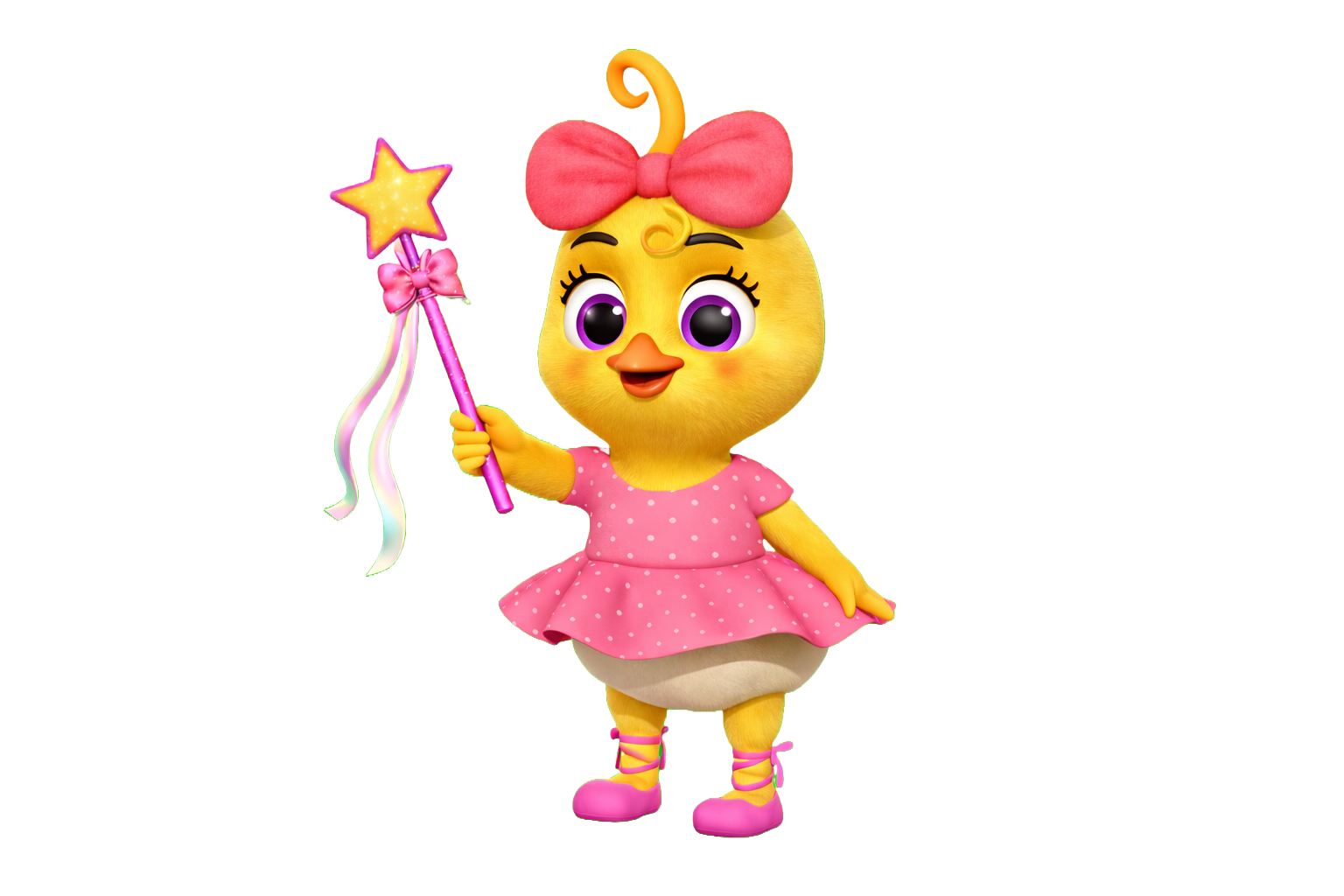
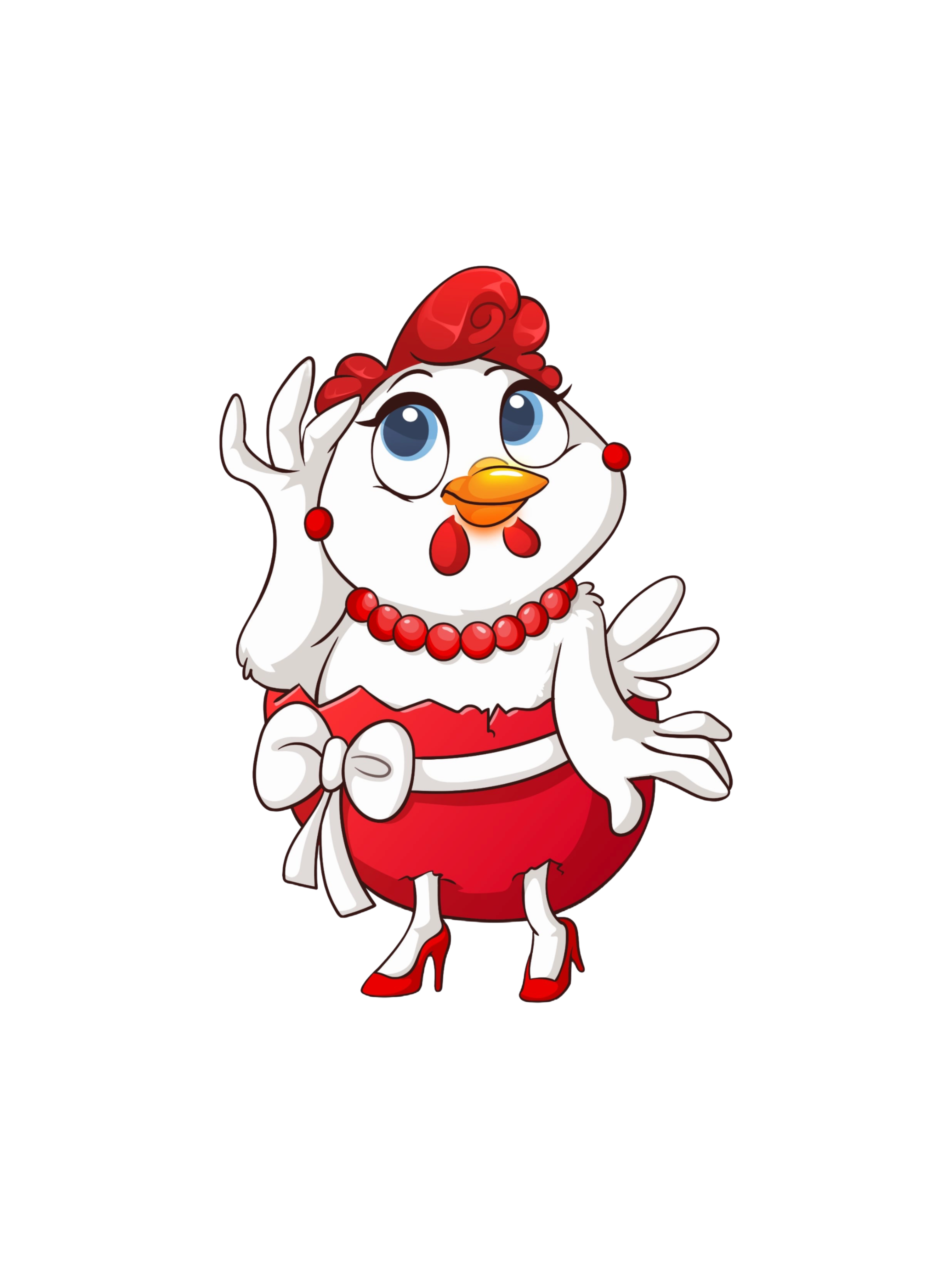
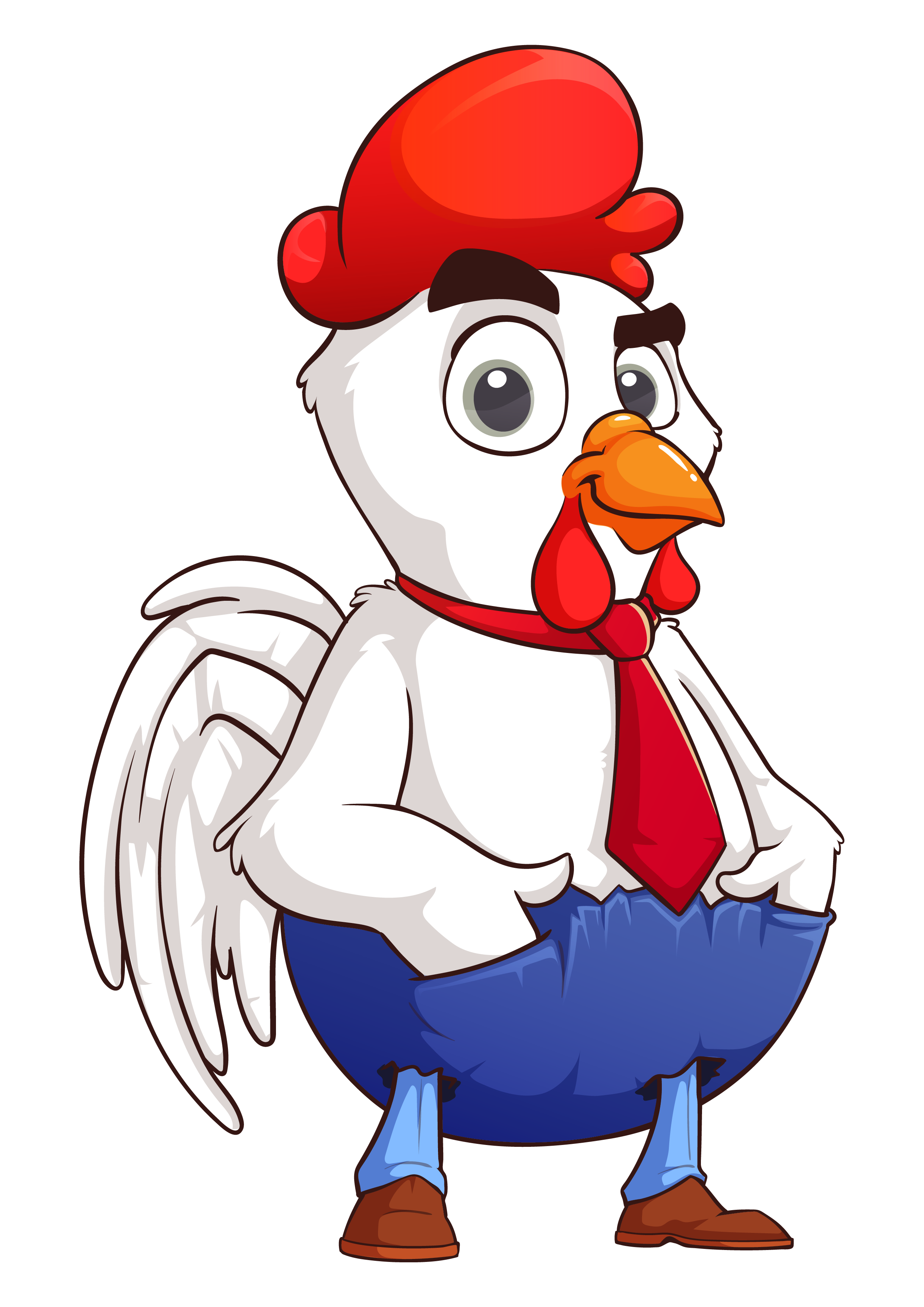
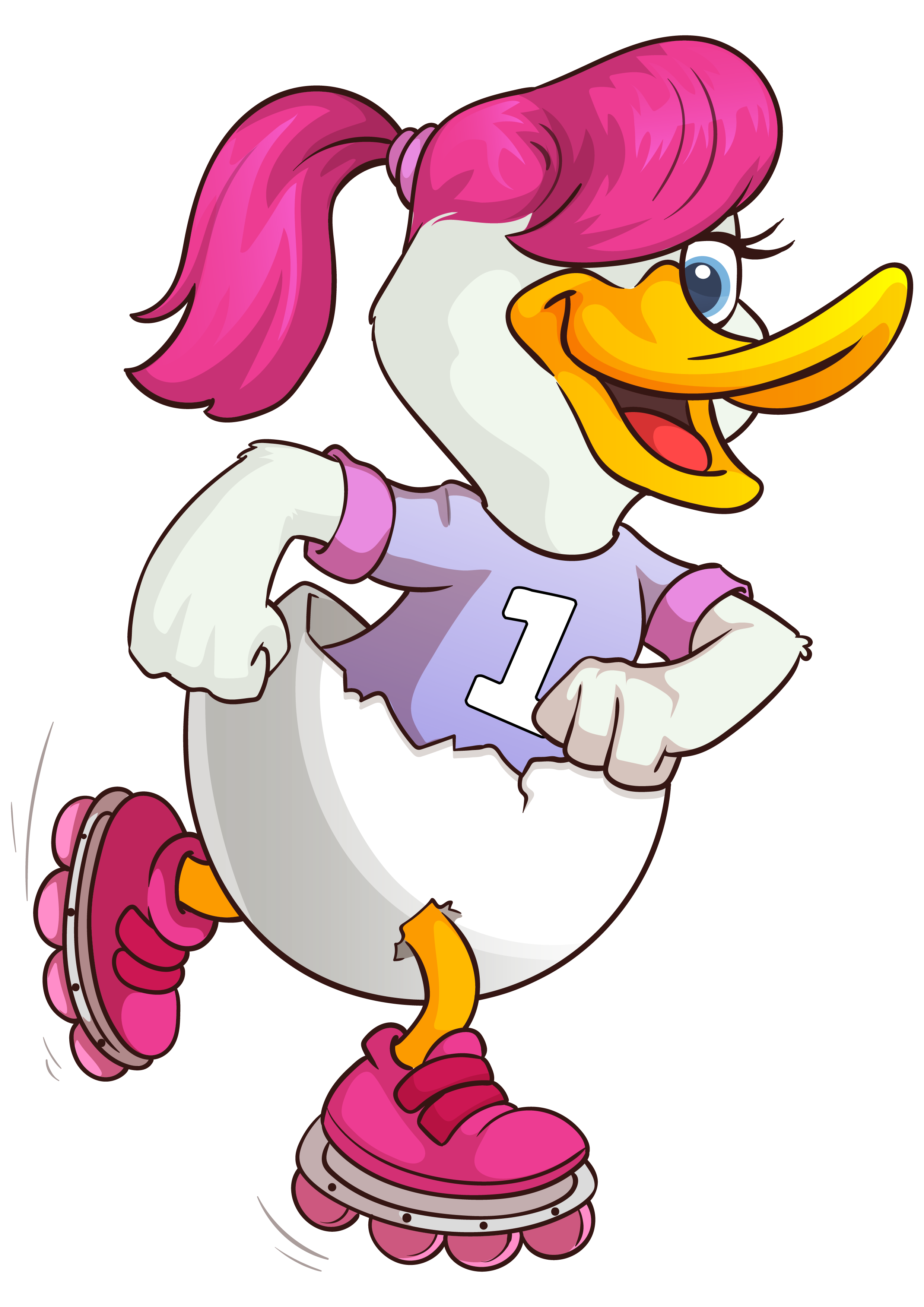
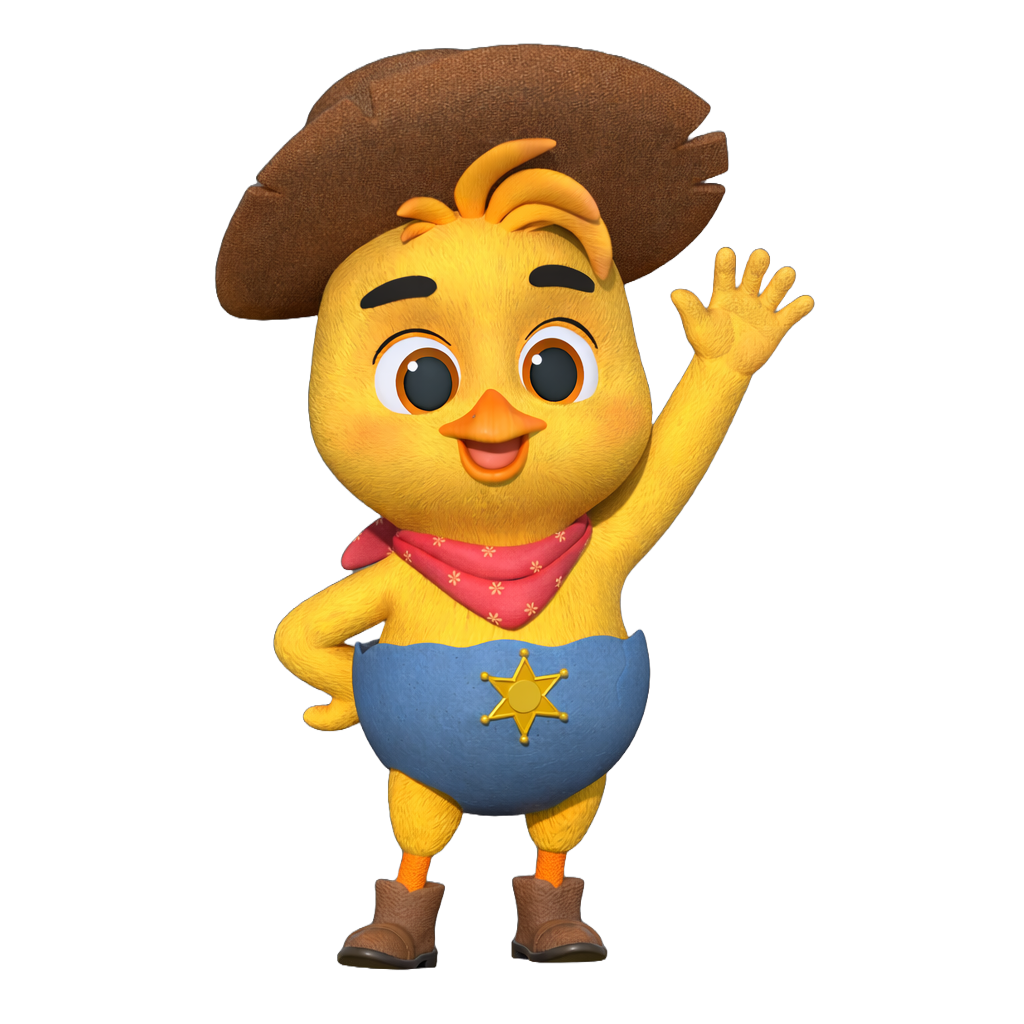
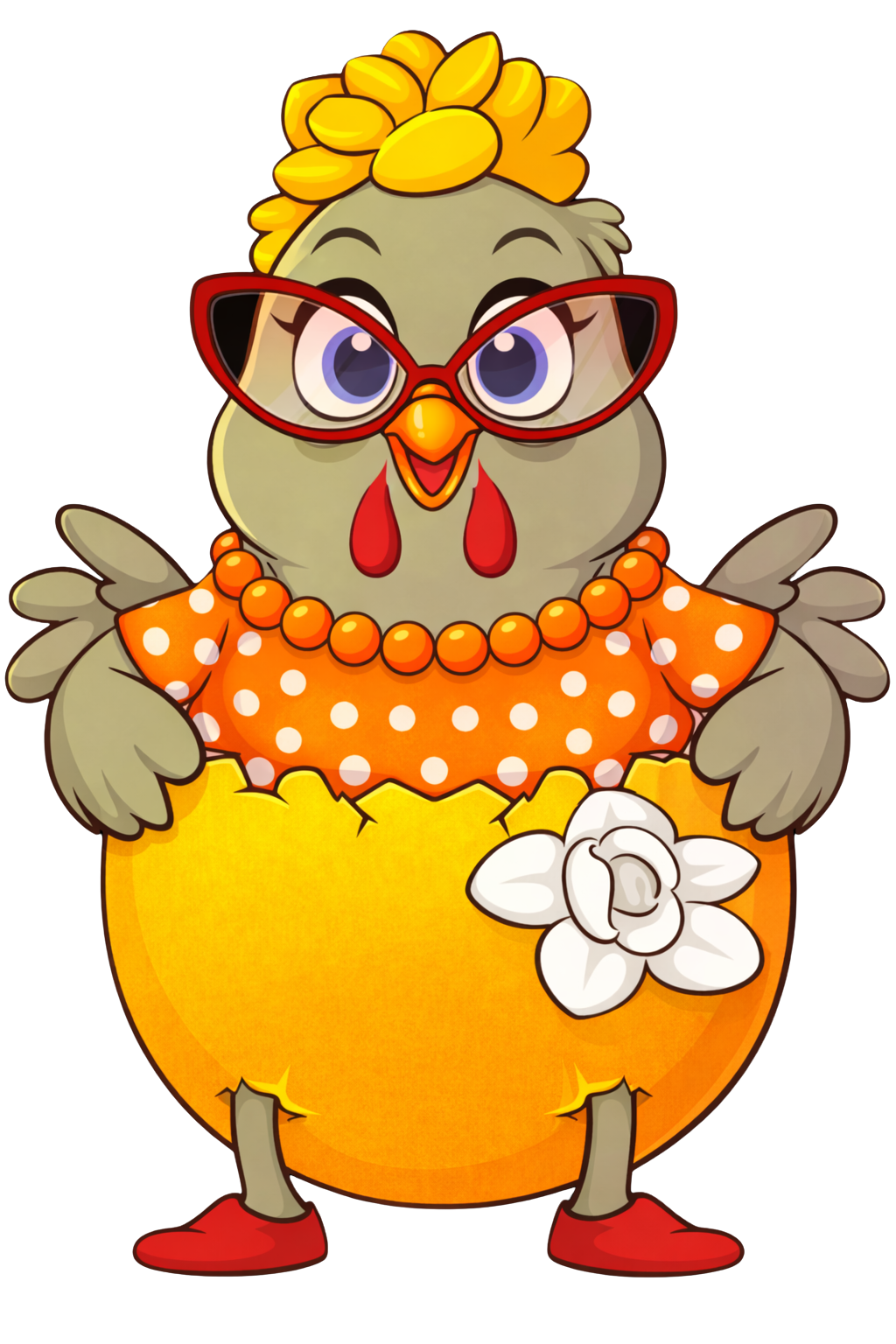
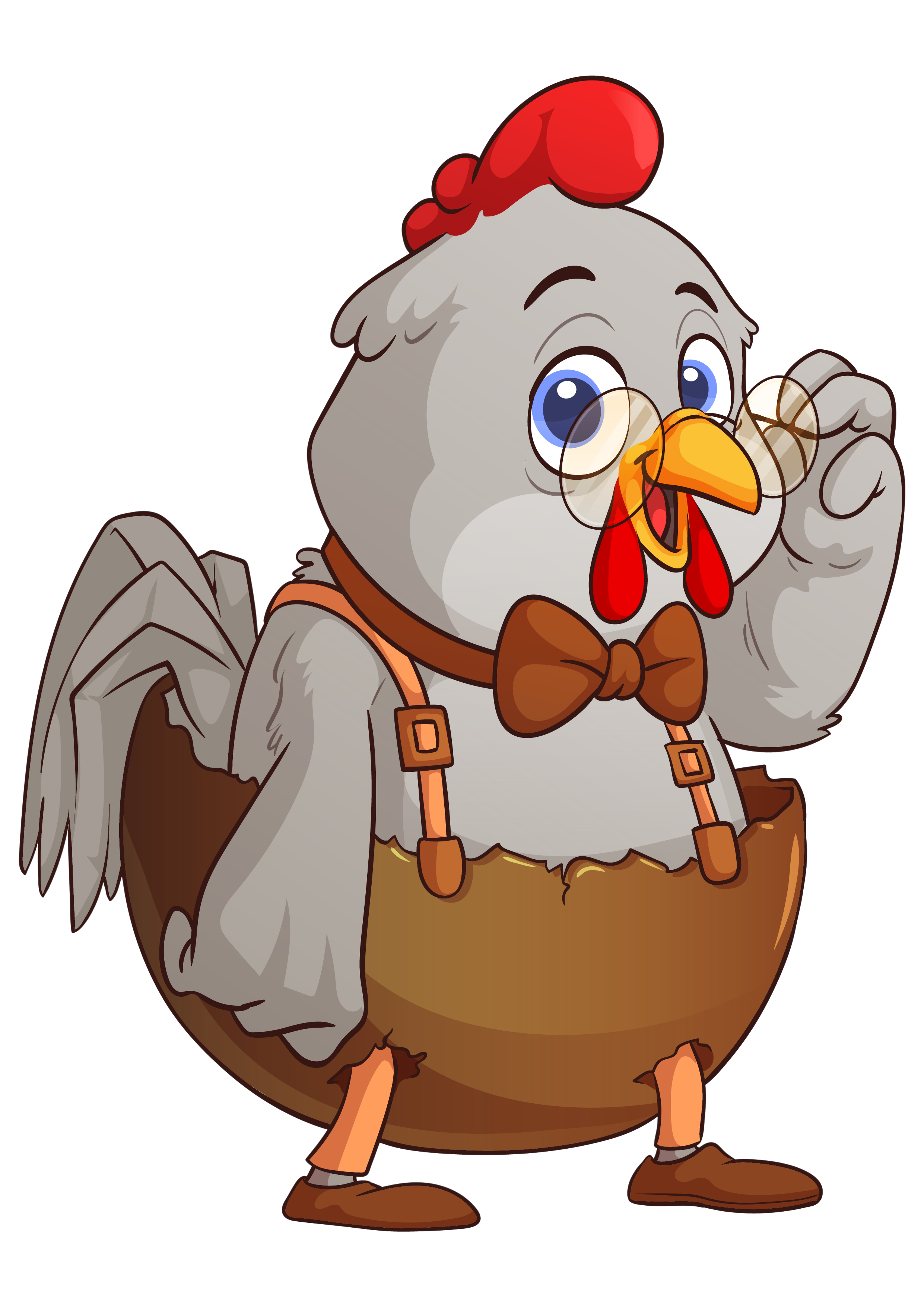
Our lovable cast is led by Eggward and Eggna, along with their farmyard friends! Each character represents different learning traits and helps children connect with educational content through storytelling and song.
+
Where can I watch your songs and videos?
You can find all of our songs and videos on our YouTube channel. We also share clips and behind-the-scenes content on our TikTok and Instagram!
+
When are new songs released?
We're always working on new content! Check our Songs page for the latest releases and upcoming tracks. Follow us on social media to be the first to know when something new drops!
+
What is "Sweep The Street"?
Sweep The Street is our community initiative that teaches kids about taking care of their neighborhood and environment. It's all about building character, responsibility, and community pride through fun and music!
+
How do I download printables?
Visit our Free Printables page and click the download button on any worksheet you'd like. They're all free and ready to print at home. No account or sign-up required!
+
My printable won't open or print correctly. What do I do?
Our printables are in PDF format. Make sure you have a PDF reader installed (like Adobe Reader). If the file looks distorted, try printing at "Actual Size" instead of "Fit to Page." If you're still having trouble, scroll down to our tech support form and we'll help you out!
+
Can I use printables in my classroom?
Absolutely! Teachers and educators are welcome to use our free printables in their classrooms. We love knowing our resources are helping kids learn. Just please don't redistribute or sell them.
+
The website isn't loading properly. What should I do?
Try clearing your browser cache and refreshing the page. If the issue persists, try a different browser (we recommend Chrome, Firefox, or Safari). If you're still experiencing issues, use the tech support form below and describe what you're seeing.
+
I submitted a birthday shoutout but it's not showing up.
Birthday shoutout submissions are manually reviewed by our team to ensure a safe experience for all families. While not everyone will be chosen, submitting gives you a chance to be featured!
+
Does the website work on mobile devices?
Yes! Our website is fully responsive and works on phones, tablets, and desktop computers. For the best experience, make sure your browser is up to date.
+
Videos aren't playing or have no sound.
Make sure your device volume is turned up and your browser allows autoplay. Some browsers block video autoplay by default. Try clicking the play button directly. If videos still won't load, check your internet connection or try a different browser.
+
Where can I download the Eggcelerated Learning app?
The Eggcelerated Learning app is available on both the Apple App Store (iPhone & iPad) and the Google Play Store (Android). Just search "Eggcelerated Learning" and look for our egg logo!
+
How do I create an account or log in to the app?
Open the app and tap "Sign Up" to create a parent account using your email address. If you already have an account, tap "Log In." Your account lets you track your child's progress, manage profiles, and sync across devices.
+
Can I add multiple children to one account?
Yes! You can add multiple child profiles under one parent account. Each child gets their own progress tracking, stars, and learning path. Tap "Add Child" from the parent dashboard to get started.
+
My child's progress disappeared. How do I get it back?
Progress is saved to your account in the cloud, so make sure you're logged in with the same account you used before. If you were using the app as a guest, progress cannot be recovered. We recommend always creating an account so your child's data is safe.
+
The app keeps crashing or freezing. What do I do?
First, make sure the app is updated to the latest version in your app store. Then try closing the app fully and reopening it. If the problem continues, try uninstalling and reinstalling the app — your progress is saved to your account so you won't lose anything.
+
I forgot my password. How do I reset it?
On the login screen, tap "Forgot Password?" and enter your email address. You'll receive a reset link in your inbox within a few minutes. Check your spam folder if you don't see it. If you're still having trouble, use the support form below.

Still Need Help?

Our tech support team is ready to assist. Fill out the form and we'll get back to you as soon as possible.

Request Submitted!

Our team will review your request and get back to you at the email provided. Hang tight!

avatareggavatareggavatareggavatareggavatareggavatareggavatareggavatareggavatareggavataregg avatareggavatareggavatareggavatareggavatareggavatareggavatareggavatareggavatareggavataregg